Flux 2 Flex Designer Mode
Flux 2 Flex Creative Studio
Unlock professional-level creative freedom with Imagentor's Flux 2 Flex—the ultimate AI engine for designers requiring precise control and coherent brand assets.
Precision Control via Imagentor Flex
Designer-First Tuning
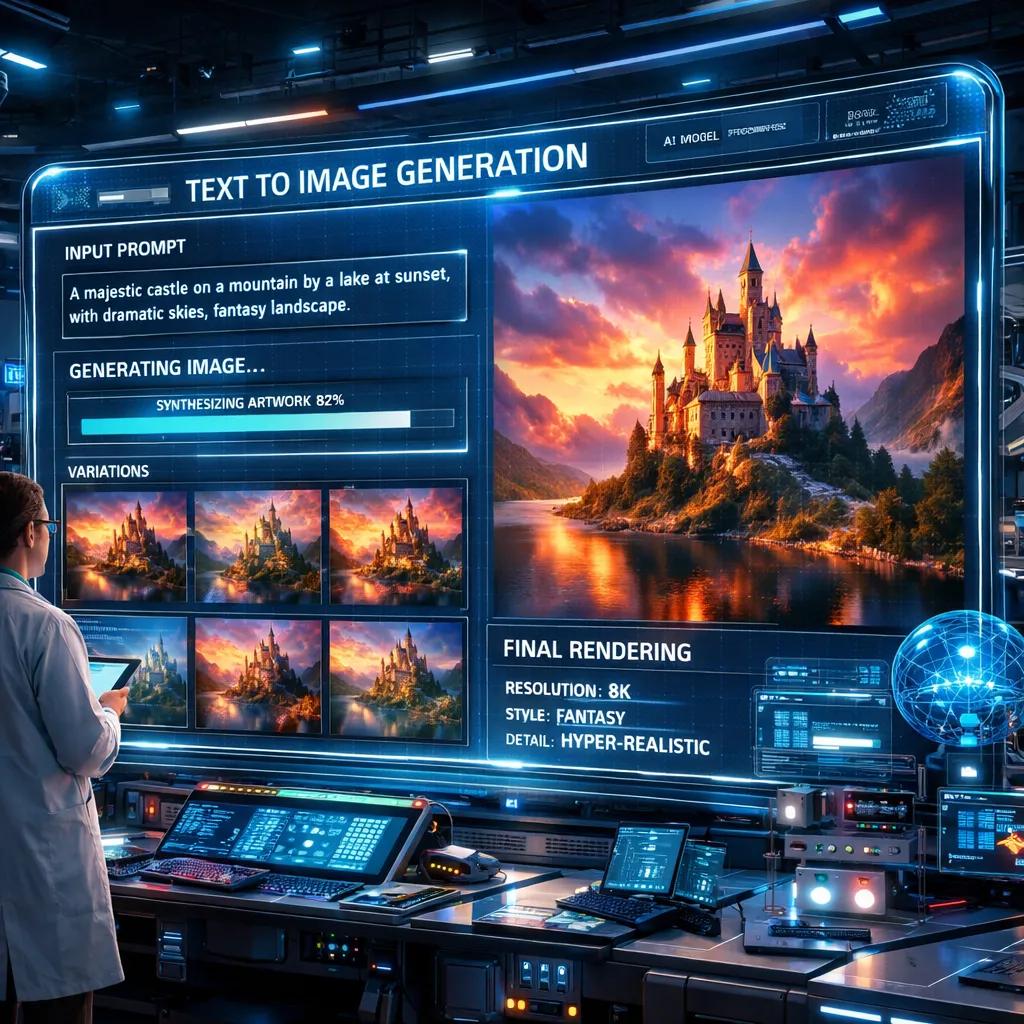
Imagentor provides direct access to Flux 2 Flex's advanced parameters. Adjust inference steps up to 50 for max fidelity or lower them for rapid prototyping, giving you full control over your creative output.
Flawless Branding with Imagentor Consistency
Strategic Asset Creation
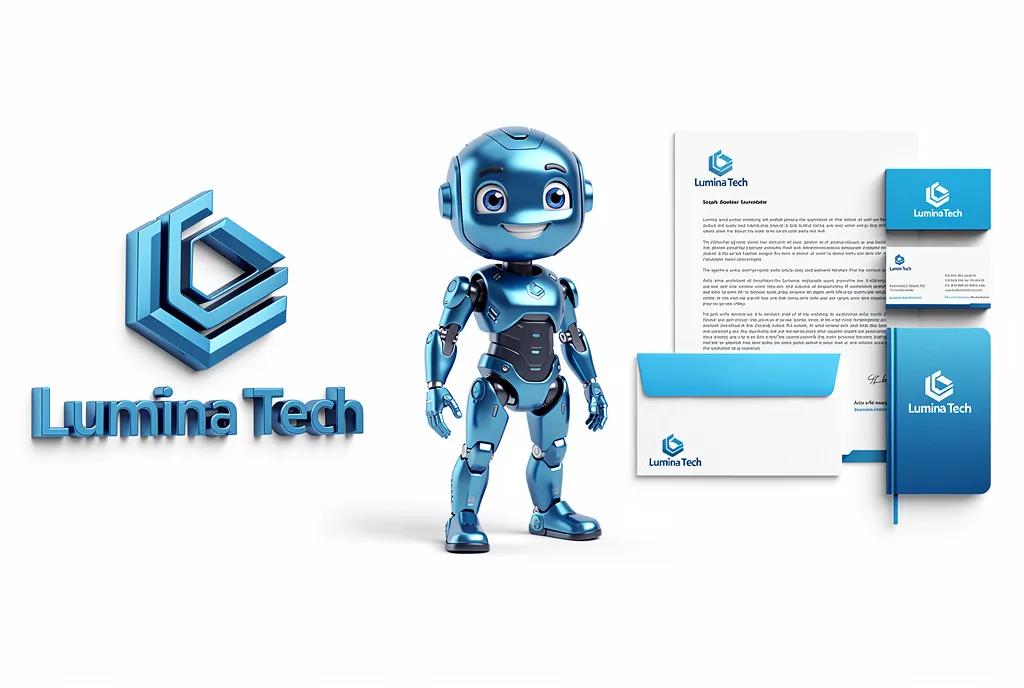
Maintain absolute visual identity for your brand. Imagentor's Flux 2 Flex handles up to 10 reference images, ensuring every logo, character, and product render stays perfectly on-brand across every iteration.
Dynamic Guidance for Creative Freedom
Flexible Adherence
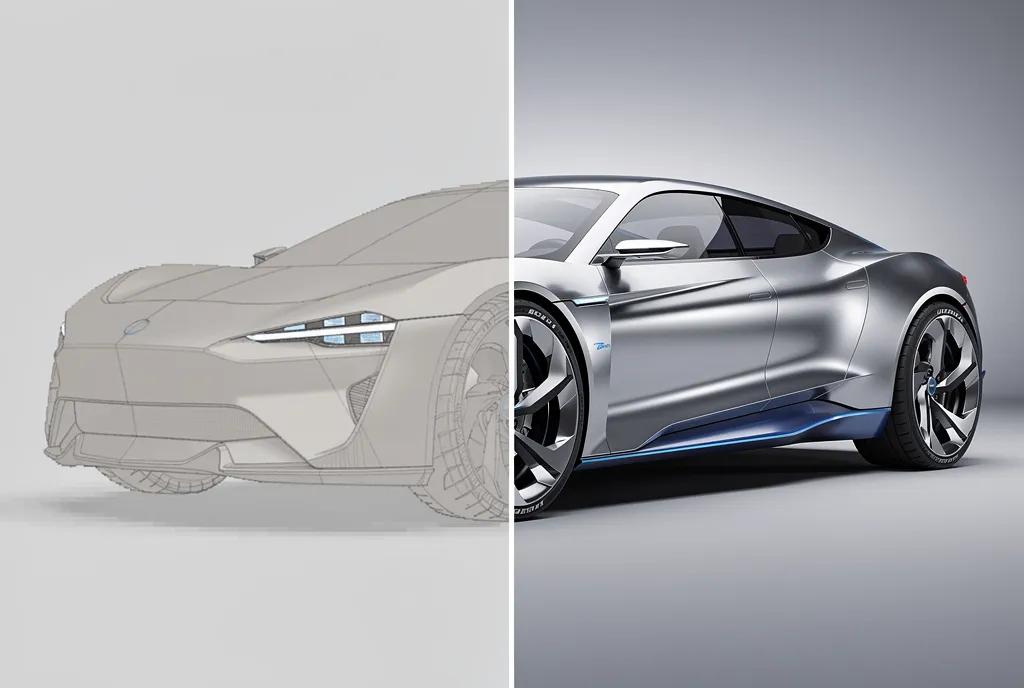
Balance prompt adherence and artistic intuition. Using Imagentor's intuitive sliders, you can dial Flux 2 Flex's guidance scale from 1.5 to 10 to find the perfect mix of precision and creative flair.
High-Fidelity 4MP Renders on Imagentor
Production Ready
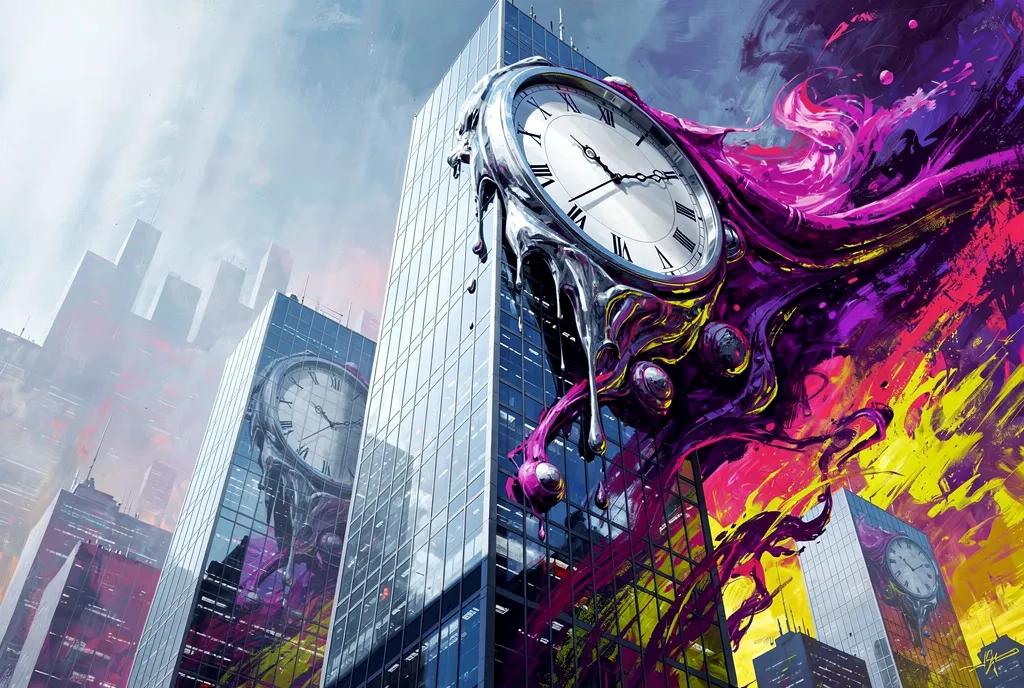
Step into high-resolution generation. Imagentor supports native 4MP outputs from Flux 2 Flex, delivering crisp details and accurate textures that are ready for immediate professional use in marketing and UI design.

Flux 2 Flex vs Flux 2 Pro
Flexible controls for precision vs production-scale defaults
Precision Use Cases for Flux 2 Flex
Dial in control for text-heavy and layout-sensitive work

Text-Heavy Marketing Creatives
Place headlines, labels, and overlays without losing fine visual detail, making Flex ideal for ad creatives that must stay readable.

UI/UX Mockups & Infographics
Generate interface mockups and infographics with clear typography and tight layout control using adjustable guidance.

E-commerce Labels & Packaging
Create product visuals with price tags, labels, and descriptions that remain crisp and consistent across variants.

Film & Media Titles
Design intros, credits, and static promotional assets with exact text placement and scene fidelity.
Mastering Imagentor Flux 2 Flex
Your creative workflow, optimized
Set Your Baseline
Input your primary prompt into Imagentor's Flex console; specify your desired style and composition constraints.
Adjust Performance Sliders
Fine-tune inference steps and guidance within Imagentor to balance rendering speed and prompt following.
Inject Reference Data
Upload up to 10 brand assets to Imagentor for multi-reference conditioning that locks in your visual identity.
Iterate & Export
Generate variations in Imagentor, select your best result, and export in production-ready 4MP resolution.
Designers Trust Imagentor Flux 2 Flex
Feedback from our creative community
“The ability to adjust steps directly in Imagentor has transformed my workflow. I can go from a 10-step draft to a 50-step hero shot in seconds.”
Alex Rivera
@arivera_design
“Consistency was always a struggle until I tried Imagentor's Flux 2 Flex. Loading 6 reference images actually works—the characters stay perfect.”
Sophie Moore
@smoore_art
“Imagentor renders the cleanest text I've ever seen from an AI. My brand assets finally look like they were made by a human designer.”
Jordan Lee
@jlee_brand
“The guidance control in Imagentor Flex is unbeatable. I can finally nudge the AI to follow my exact spatial layout without it hallucinating extra details.”
Chris Vance
@cvance_ui
“Fast, flexible, and faithful. Imagentor's implementation of Flex is easily the most powerful tool in my daily advertising kit.”
Linda Zhang
@lzhang_ads
More Reviews
Flux 2 Flex: Frequently Asked Questions
Master the flexible creative engine
Need expert help? Contact Imagentor Support
Imagentor AI ToolKit
Find any tool you want here to make efficiency at your fingertips.